

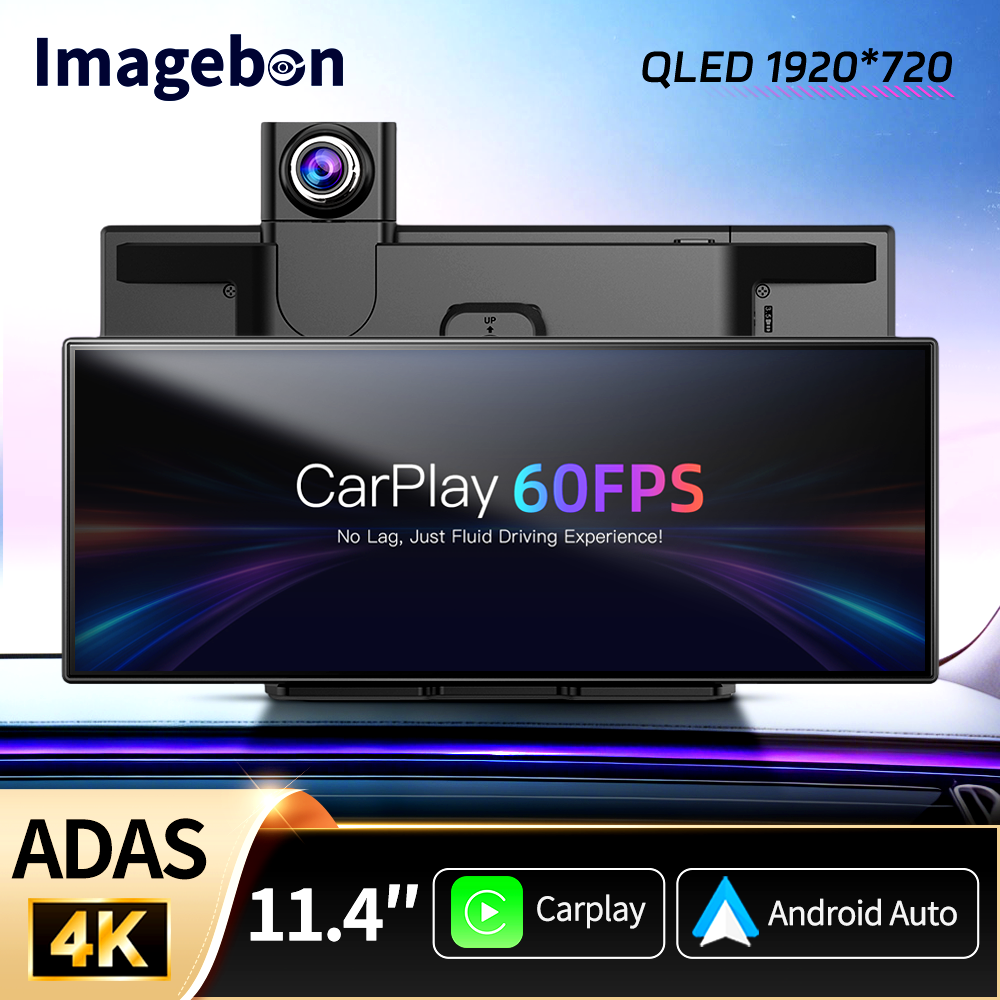
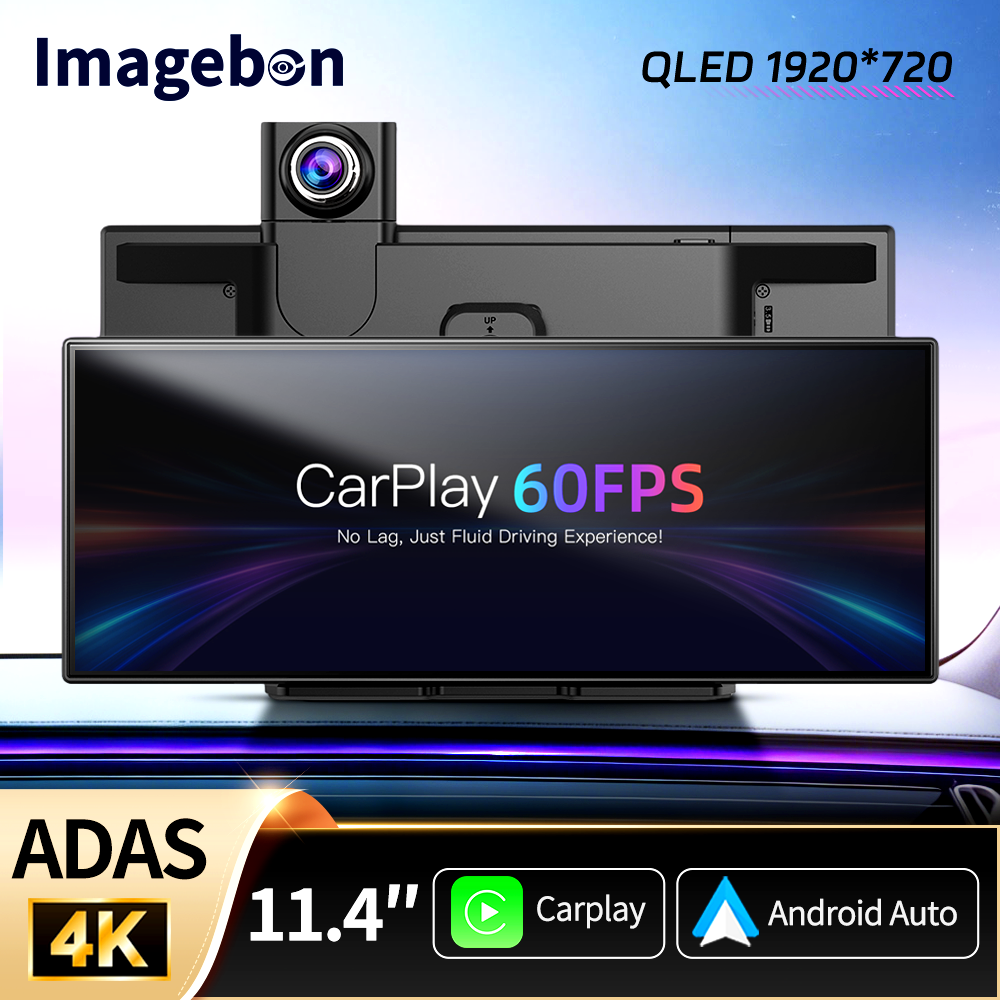
Imagebon H70 Plus is engineered to solve the 30FPS lag and delay issues plaguing most CarPlay smart screens on the market. Refined over a year of exploitation, it’s powered by the latest 4 core A53 chip, delivering a seamless 60FPS high-refresh experience. Navigation scrolling is buttery-smooth, with zero operational lag and no screen tearing.It sets a new benchmark for in-car connectivity and brings you a flagship-level interactive experience! Experience a smooth, high-definition CarPlay experience with 60FPS, say goodbye to lag and stuttering.

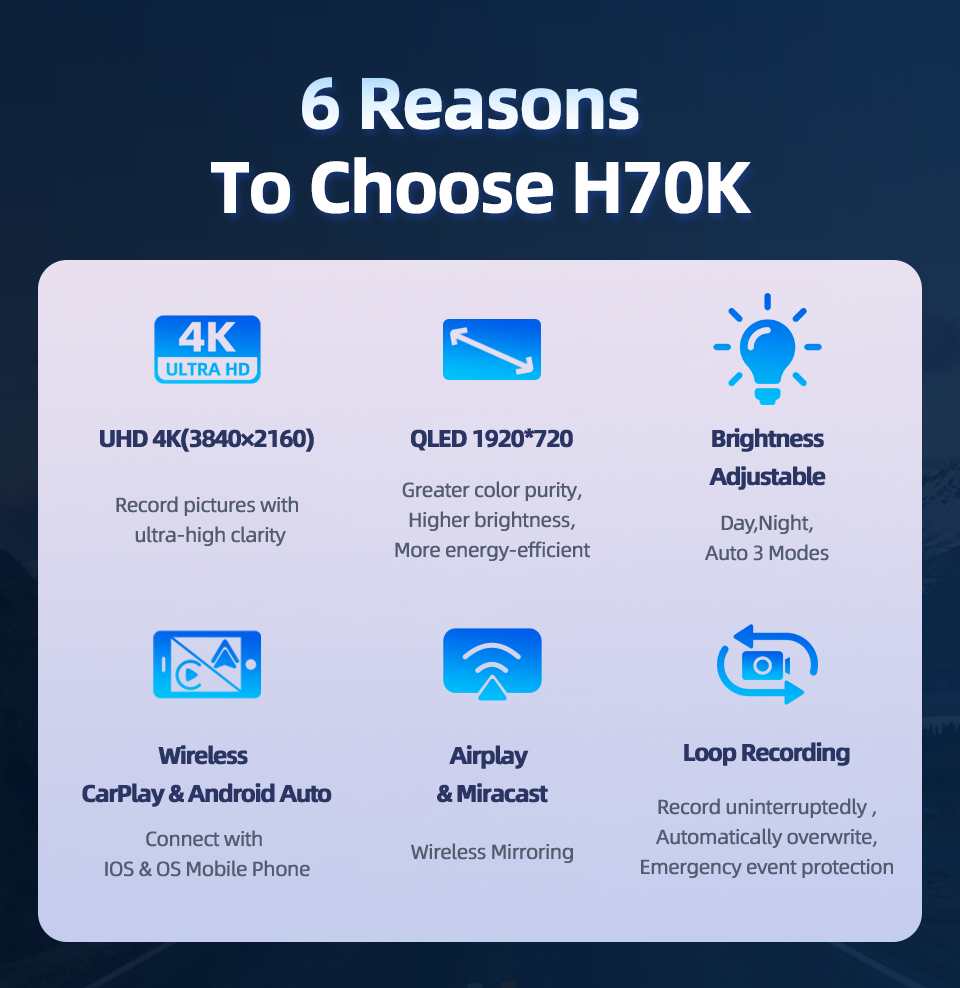
9 Reasons to choose H70/H70 Pus:
(1)With UHD 4K(3840*2160)Front Camera,It can record picture with ultra-high clarity;
(2)With QLED 1920*720 Touch Screen,it has greater color purity,higher brightness,and more energy-efficient:
(3)Buit-in 4 Core Rockchip:Cortex-RV1126B-A53 CPU:
(4)Support Wireless CarPlay Android Auto(Connect with IOS Android Mobile Phone,not support huawei);
(5)With Advanced Driver Assistance Systems(Need to choose ADAS version);
(6)Support Wireless Mirroring(Airplay for IOS mobile phone.,Miracast for Android mobile phone);
(7)Time Lapse Monitoring:2h/8h/12/24h(need to purchse ACC cable);
(8)Built-in WiFi:Install Roadcam app,achieve GPS Tracking.Live view,share,Dowload the recording video;
(9)AHD 1080P,150 Wide Angle Real-time Rearview;
The Difference between H70-K and H70 Plus:
(1)H70-K:Use K8 Chip(SingleCore);
NO ADAS function,only has one theme UI selection;
(2)H70 Plus:Use RV1126B-A53 Chip(4-Core);
Carplay 6OFPS Refresh Rate,With ADAS function,has 3 kinds of theme UI selection
(3) full screen UI+3 Split screen UI)

4-core A53 CPU
Equipped with a quad-core A53 chip, 1GB of RAM, and 3T of computing power, it delivers a consistently stable and smooth experience, along with smart screen interaction.![]() Three UI options
Three UI options
 Three UI options
Diverse interactive experience, offering 3 UI styles to switch between at will.
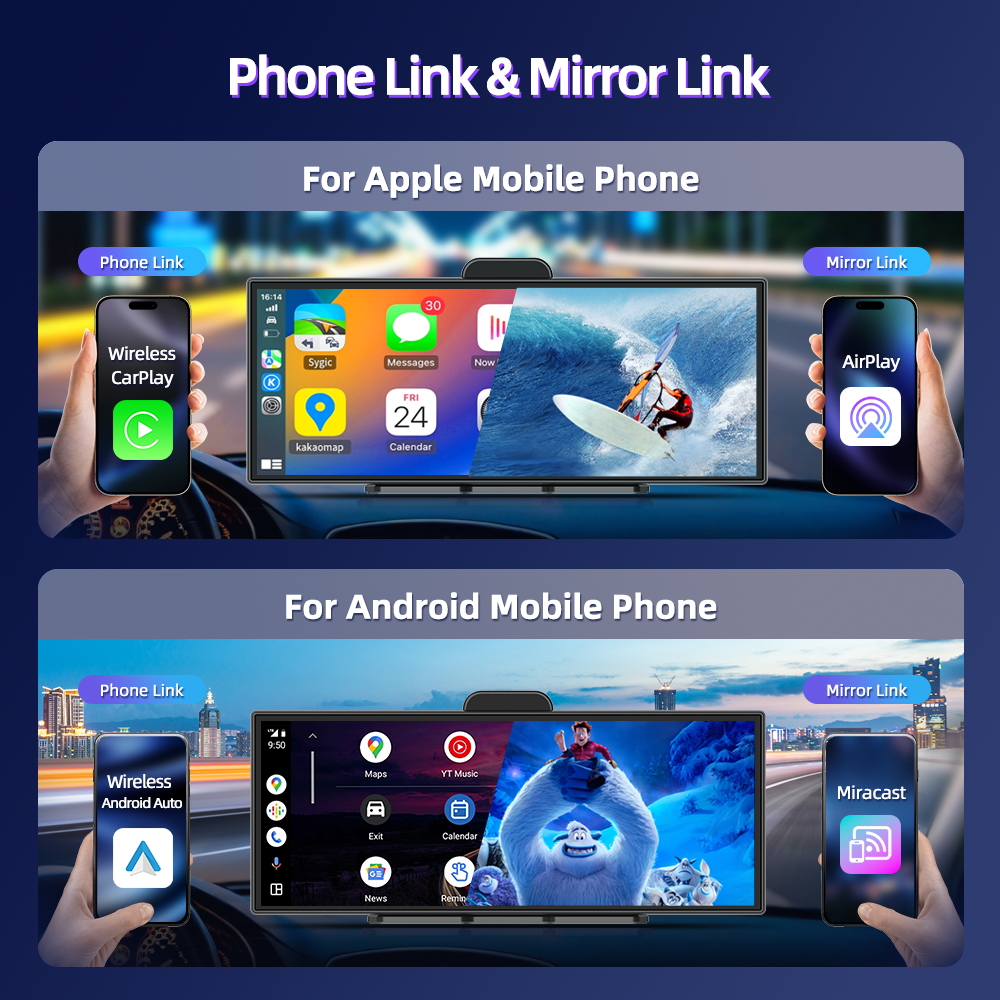
Wireless Phone Link:
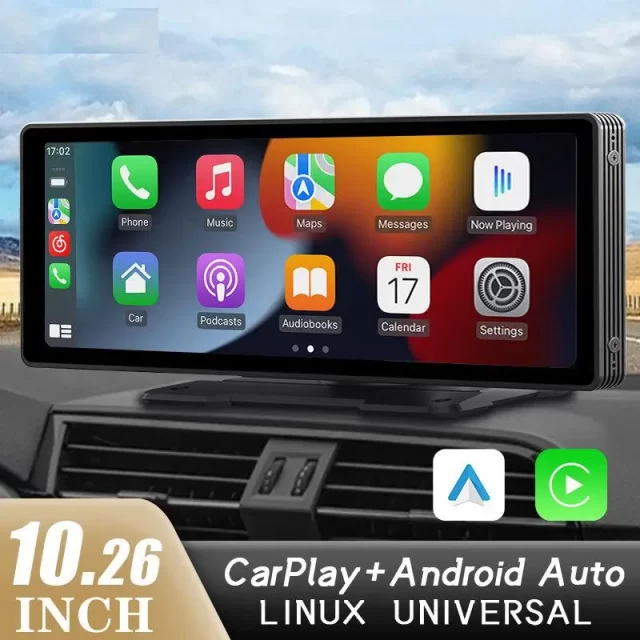
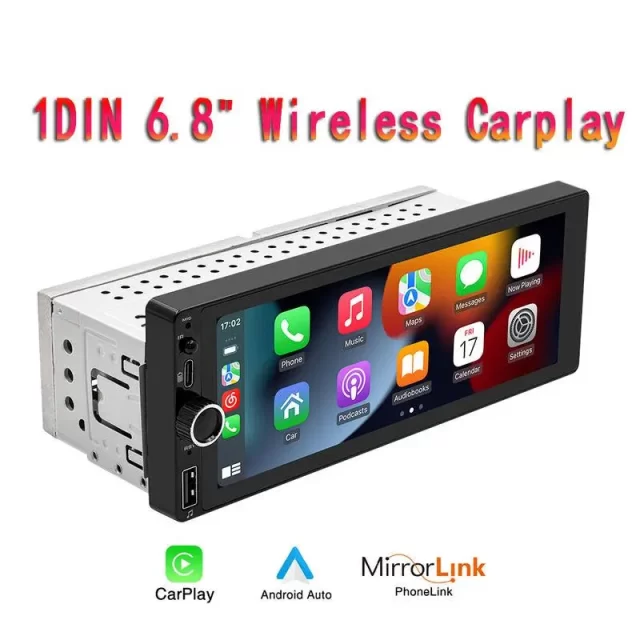
With wireless CarPlay(for Apple mobile phone) & Android Auto(for Android mobile phone),it can cast the apps on your mobile phone directly onto the device,and you can operate and use them directly on the device.
Note:Not support huawei mobile phone.

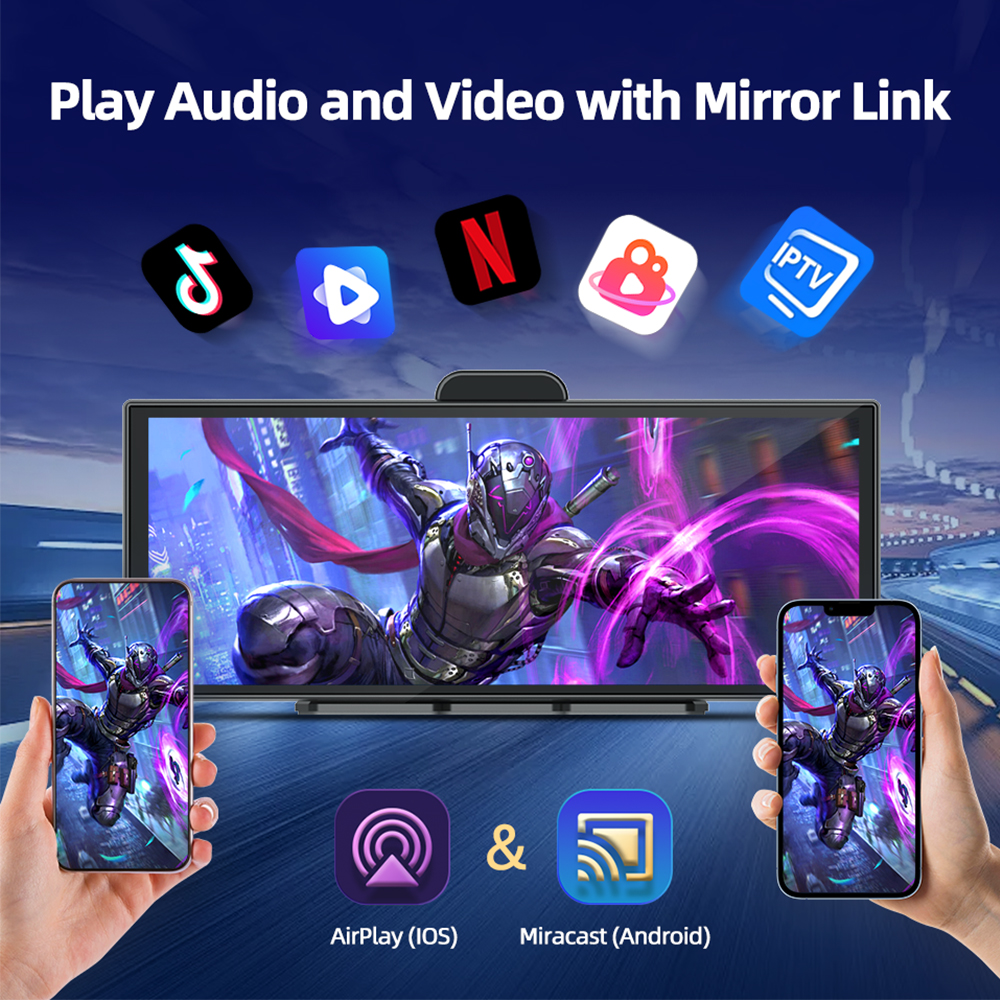
Wireless Mirror Link:
Support wireless AirPlay(for Apple Mobile Phone) & Miracast(for Android Mobile Phone).The audio, video and screen mirroring content on mobile phones can be wirelessly transmitted to machine devices for playback.
4K Front Camera + 1080P Rear Camera Dual Recording:
H70 Pus has 11.4 inch IPS touch screen,QLED 1920*720 resolution,with UHD 4K 3840*2160 170° wide angle front camera and 1080P 150° rear camera.It can capture all the detailed scenes on the road very clearly and record and save them.(if you need the rear camera,please choose with rear camera set meal)

Advanced Driver Assistance Systems
Detect your surroundings and help you avoid accidents by real-time voice alert.
(1)With Lane departure warning system ADAS function trigger conditions:
If you are using a GPS active antenna, the system will only trigger a lane departure warning if your driving speed is above 50KM/h. If you are not using a GPS active antenna, there is no speed requirement, and the system will trigger a warning as long as a lane departure occurs.
(2)With Forward Collision Warning System
(3)With Front Vehicle Starting Reminder System:
Please choose GPS Antenna,otherwise you can’t use this function normally.
UHD 4K Night Vision:
Even on dim roads, it can clearly shoot and record the scenes of the vehicle’s driving. It provides further protection for your driving safety.
Built-in 5.8GHz+2.4GHz WiFi:
Its stability far surpasses that of traditional WiFi. Even in an environment with complex signals, it can maintain a smooth connection and ensure uninterrupted video transmission.

Aopt H.265 encoding technology:
1.with higher compression efficiency-Compared with the previously widely used H.264 encoding technology, it can compress the size of video files to a smaller extent under the condition of the same video quality, thus enabling more content to be stored.
2.Better picture quality performance-The H.265 encoding can reduce motion blur and image distortion, enabling the device to capture clearer and smoother images.
Show In Multiple Interface :
(1)Full Screen Start Window(3 different of Theme UI );
(2)Split Screen Start Window(3 different of Theme UI );
(3)CarPlay Mode; (4)Android Auto Mode;
(5)Front or Rear View Full Screen;
(6)Front + Rearview Split Screen;
(7) Full Map; (8)Map+Music Split Screen; (9)Map+Music+Dashcam Split Screen;

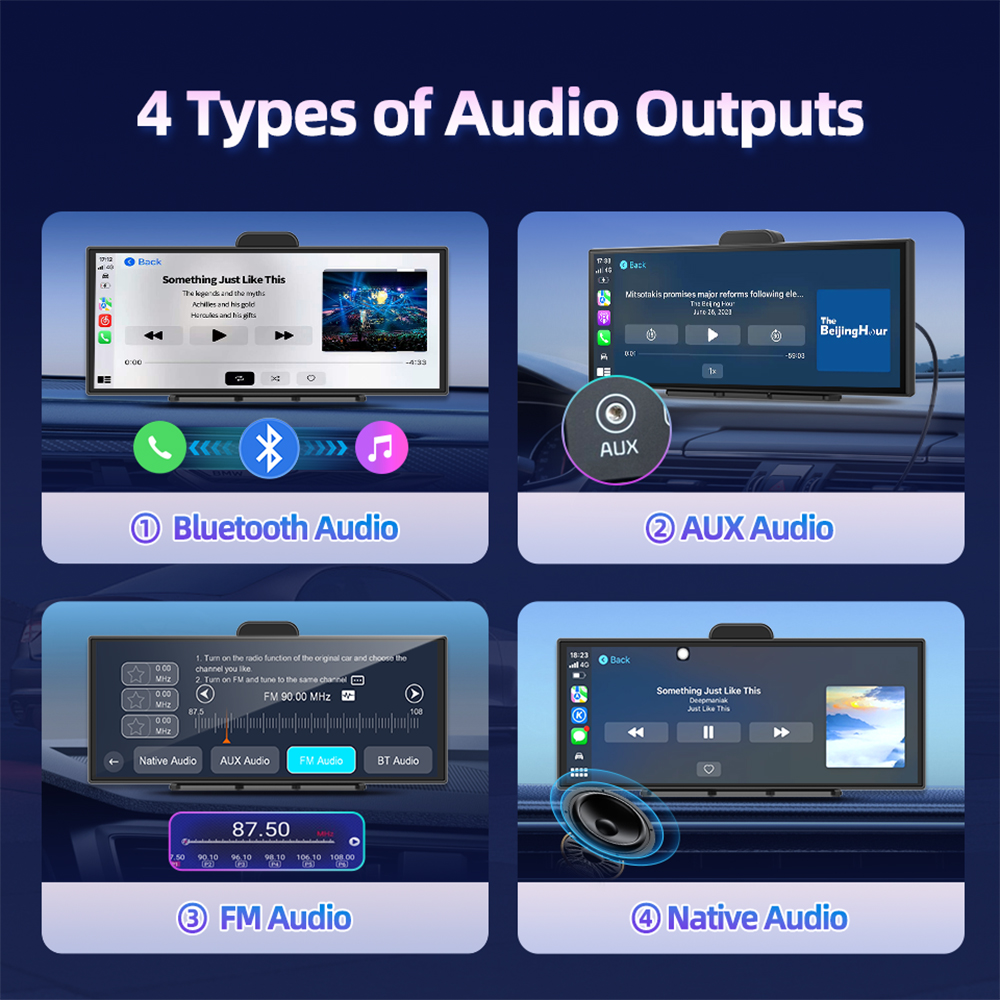
4 Types Of Audio Outputs:
(1) Bluetooth Audio:a:For CarPlay or Android use only;b:Please use your phone to directly connect to the original car’s Bluetooth;
(2) AUX Out Audio:By using an AUX cable to connect with the vehicle’s AUX interface, you can directly enjoy the original sound quality of the car. Low noise, high fidelity.
(3) Dual-channel FM transmitter:It can be connected to the original car to enjoy the original car audio quality (only needs to be manually connected once, and then can be automatically connected).
(4) Native Audio:Built in speaker,you can listen to the music via device directly.

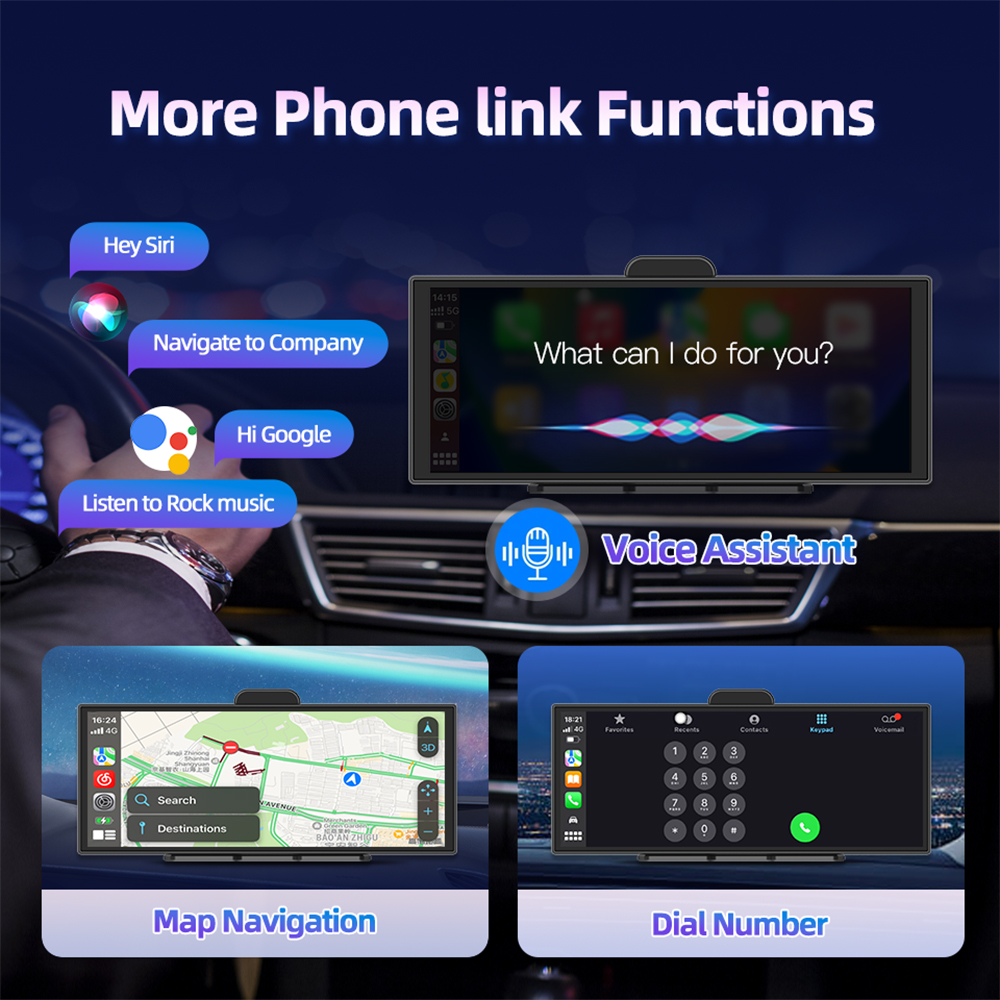
More Phone Link Functions:
Under the CarPlay or Android Auto function,you can use voice assistant(such as Siri,Google etc),make a phone call,listen to music ,Navigation

Roadcam APP Download & GPS Tracking:
H70 Plus has GPS Tracking function,you can scan the below QR Code to download and install the APP,then you can Track your car’s infromation on you mobile phone or computer,At the same time,you can share the recording video with your friend or other social platform.(PS:NO ADAS version doesn’t have this function)
Loop Recording:
Continuous loop recording automatically overwrites old files, ensuring the memory never overloads. It won’t miss any crucial frames, safeguarding your driving safety.
Time Lapse:
(1) 2h,8h,12h,24h Monitoring;
(2) Save Storage Space;
(3) Never miss the key scene;![]() Real-time Reversing View:
Real-time Reversing View:

(1)Adjustable Reversing line:
(2)150° Wide Angle;
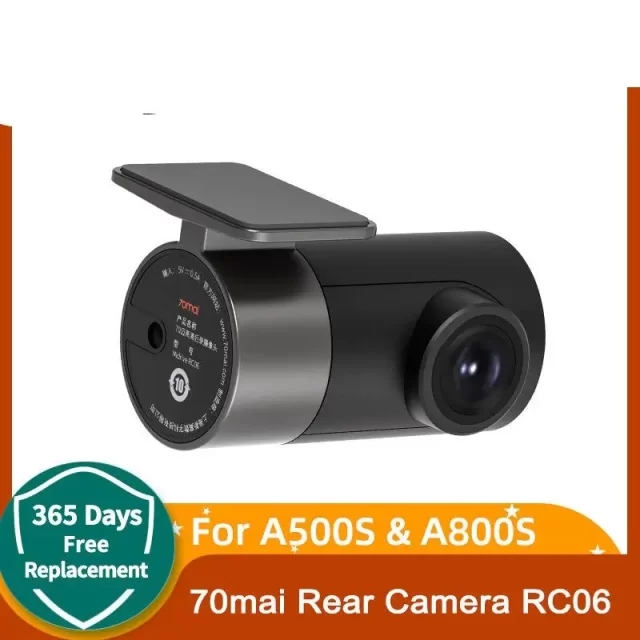
(3)1080P 2.5mm mirroring rear camera(need to choose with rear camera version);
(4)IP67 Waterproof;
(5)Night Vision;


Packing list:
1 x Machine Body(H70/H70 Pro,depends on your choice)
1 x Adhesive Mount;
1 x Car Charger;
1 x AUX Line;
1 x 6m Rear Camera(Optional);
1 x GPS Antenna(Optional);

Q&A
1.Why does it get stuck in the “welcome” interface after booting up
Please use our standard car charger(included in the package),Don’t use USB cable or other car charger.
2.Why does a restart occur after booting up?
(1) Please use our standard car charger(included in the package),Don’t use USB cable or other car charger;
(2) Please use U3 high speed TF card;
3. Which rear cameras are compatible with the product?
The device is compatible with 2.5mm,4 pin,AHD 1080P Rear Camera
4.How to do the Upgrade?
(1) Download the firmware via below link:
//drive.google.com/drive/folders/1AYti2WEuObgKGuRzH-U1W1F-JGd6YXVm?hl=zh-cn
(2) Follow the video instructions to complete the version upgrade
5.Why can’t CarPlay connect?
Please forget the connected Bluetooth and try to reconnect.
(1)If the connection is still unsuccessful, try restarting the phone and the device, wait for 15 seconds, and then restart and try again.
(2)If only the pop-up windows “Bluetooth Pairing Request” and “Allow Contacts and Favorites Sync” appear when connecting, but the pop-up window “Use CarPlay with “CarPlay” does not appear, please check whether the phone’s “Settings > General > CarPlay” has a connected CarPlay, if yes, delete it and try again.
6.Why can’t Android Auto connect?
(Update the Android Auto program on your phone and turn on wireless connection in the Auto settings)
(1) Disconnect the Bluetooth connection of other devices on the phone, ignore the Bluetooth of the device, and try to connect again.
(2) Restart the device and try to reconnect the Bluetooth of the phone.
(3) Restart the phone and turn off the device for 15 seconds, then try to connect the Bluetooth again.
Pls search for “Android Auto” on the phone(If the above methods still cannot connect), select “Settings > Android Auto > Connection Help”, and follow the prompts in the connection help to operate. Then restart the device (turn it off for 10 seconds).




The product arrived quickly. It works as expected. Still need to test it further.
H70-k screen is fantastic large and clear no wonder it's received rave reviews. It boots up quickly, connects stably, and didn't drop out during use. It's truly excellent. Although my car is an older model, i still love it and drive it frequently. I highly recommend this dashcam.
I definitely felt that this product was of very high quality.i can confidently recommend this carplay monitorfor its excellent cost-effectiveness and performance.
So awesome. Very good quality and finish. All my phone within reach. GPS navigation, quality music via Bluetooth, etc... Super beautiful, sharp, smooth, and highly responsive screen. ADAS practical. Easy installation, we fumble a bit but quickly get the hang of it, pure happiness at a low price. Seller very responsive regarding a small technical question about GPS connection (since there is only one USB-C port on the device, you need to connect the USB-C plug of the cigarette lighter power supply to the GPS box port, then connect the GPS USB-C plug to the device).
The H70 Pro version turns on quite quickly, it has a Linux operating system, so it is completely necessary to connect it to a phone to take advantage of it. The cameras are good for the price it handles.