

If you encounter any problems during use, Please contact my store: JMCQ Store, Address: (//www.aliexpress.com/store/1101399813).
I will reply to you within 12 hours and help you solve any problems!!! Please contact us, we are a professional team and we will be dedicated to serving you!
Note:
If you have already connected the AI BOX’s Bluetooth according to the instructions and turned on your phone’s WiFi, but still cannot connect to Carplay, it is because you have not turned on your phone’s Carplay car. Here is the video: //video.aliexpress-media.com/seller/play/5000262396788.mp4. Please follow the video instructions to connect CarPlay correctly.
It should be noted that BMW, 2018, and 2019 Mitsubishi Outlander are not supported. The 2019 Audi E-tron is not supported, and the 2018 Toyota Yaris hybrid is also not supported.
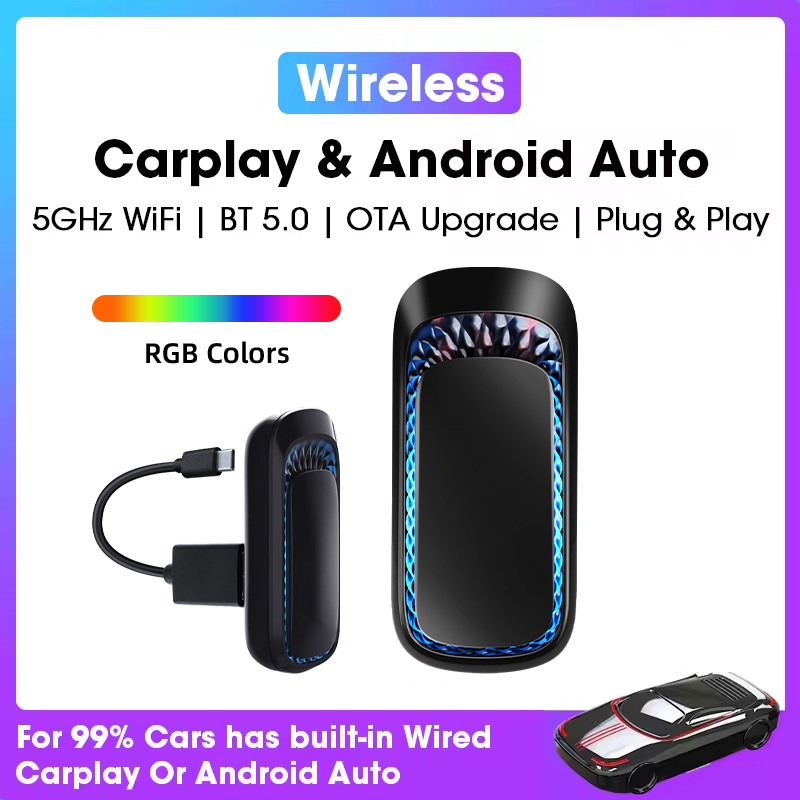
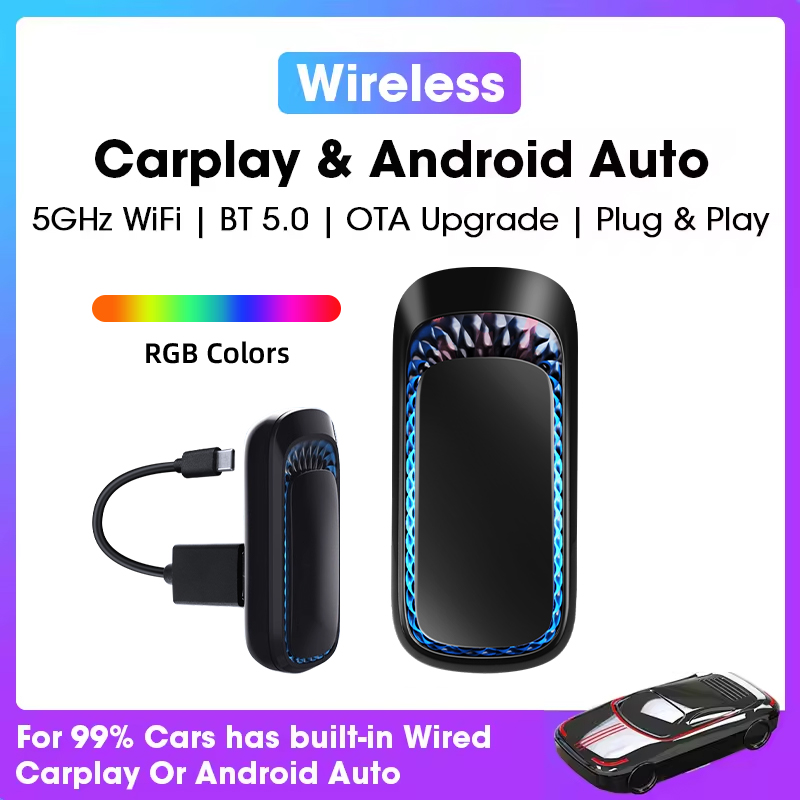
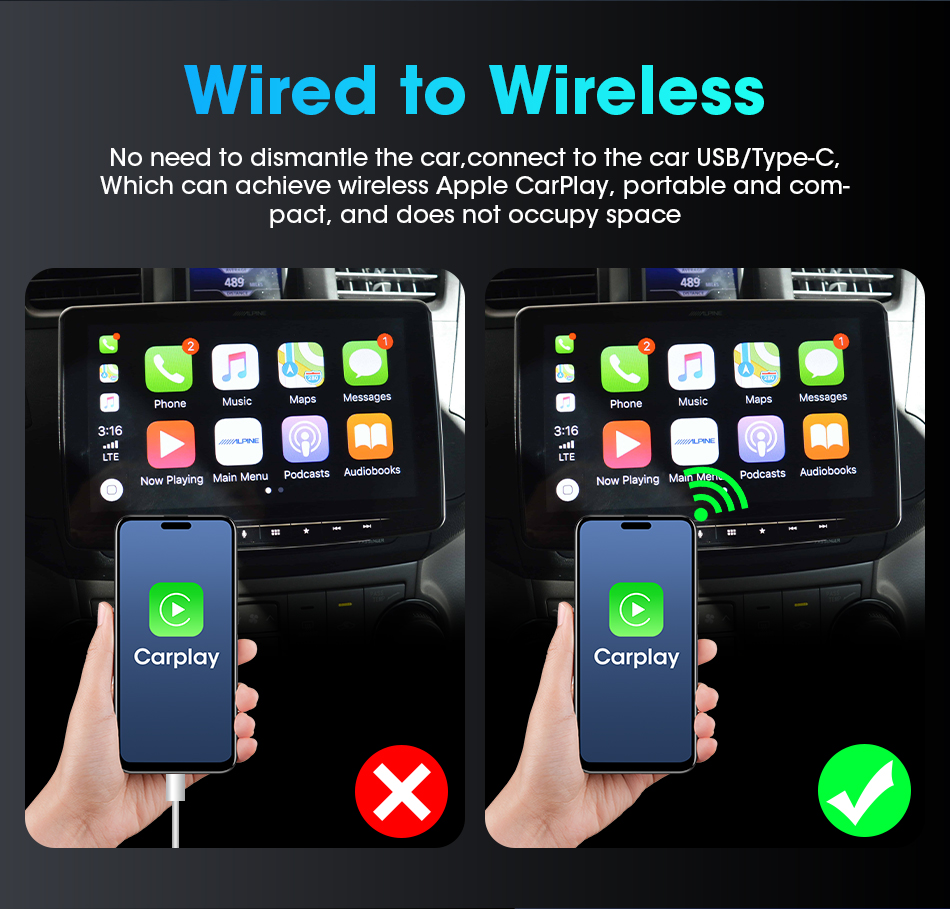
【2-IN-1 Carplay Wireless Adapter and Wireless Android Auto Adapter】This newly designed Wireless Carplay Adapter and Android Auto Wireless Adapter frees you from the hassle of a wired connection. The adapter can easily convert wired Carplay to wireless Carplay and wired Android Auto to wireless Android Auto. It eliminates the need for you to frequently unplug and unplug your cell phone with cables. The wireless carplay adapter brings you a safer and more convenient driving experience!
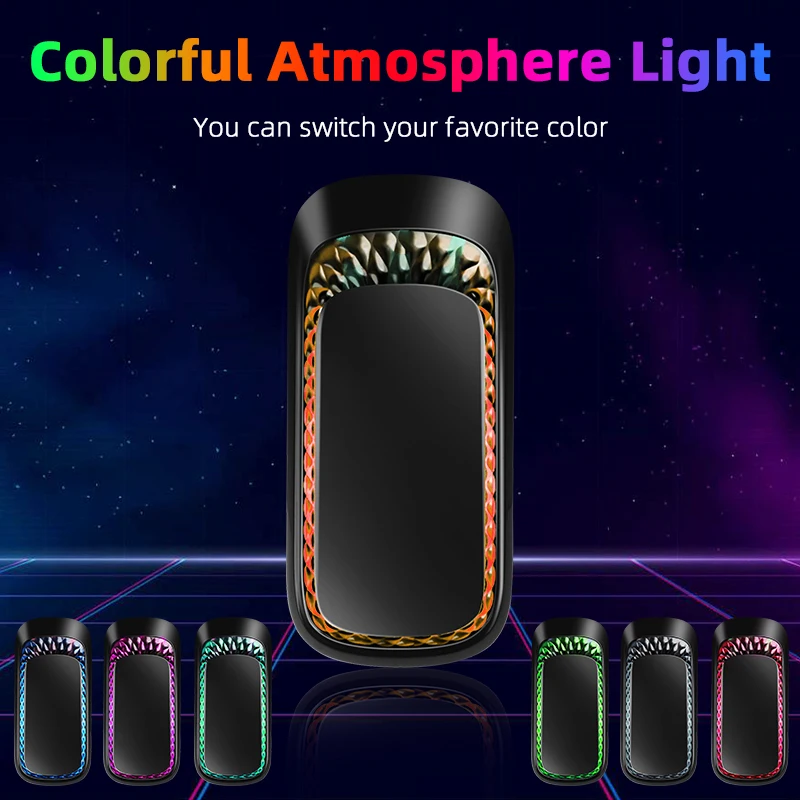
🚗【RGB Ambient Light& Heat dissipation design】This wireless android auto car adapter comes with an RGB ambient light design with seven colors for you to choose from, adding a touch of romance to your car. The petal-patterned channels on the top of the car play wireless adapter help dissipate heat quickly when in use, helping your device maintain peak performance and extend its life.
🚗【Simple Operation – Automatic connection】Easy to set up in 3 simple steps,before using it for the first time, plug the wireless carplay adapter into your car’s USB port, turn on Bluetooth and WiFi on your phone, and pair it with Carplay/Android Auto. Once you’ve set it up for the first time, the car play wireless adapter will automatically connect to your phone the next time you start your car. The android auto wireless dongle takes care of your driving experience!
🚗【Universal Compatibility】Wireless carplay adapter is compatible with over 800 2016+ models. IOS 10 and Android 11 and above are recommended for optimal performance. The carplay adapter also comes with a USB-A to USB-C/USB-A cable, so you can use our carplay wireless adapter regardless of whether your car’s interface is USB or USB-C.
🚗【Portable Mini Wireless CarPlay Adapter】Compact and lightweight, this wired to wireless carplay adapter fits easily in the palm of your hand or pocket, making it easy to place anywhere in your car. The wireless carplay allows you to get rid of tangled cables and make the car interior tidier. The bluetooth carplay adapter is plug and play and does not require any additional programs to be downloaded.
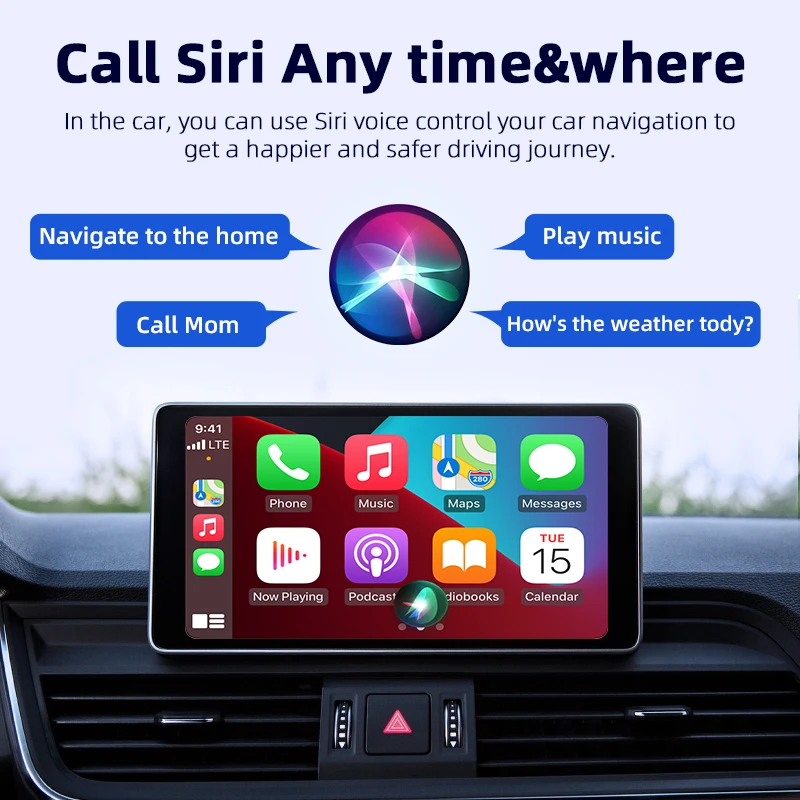
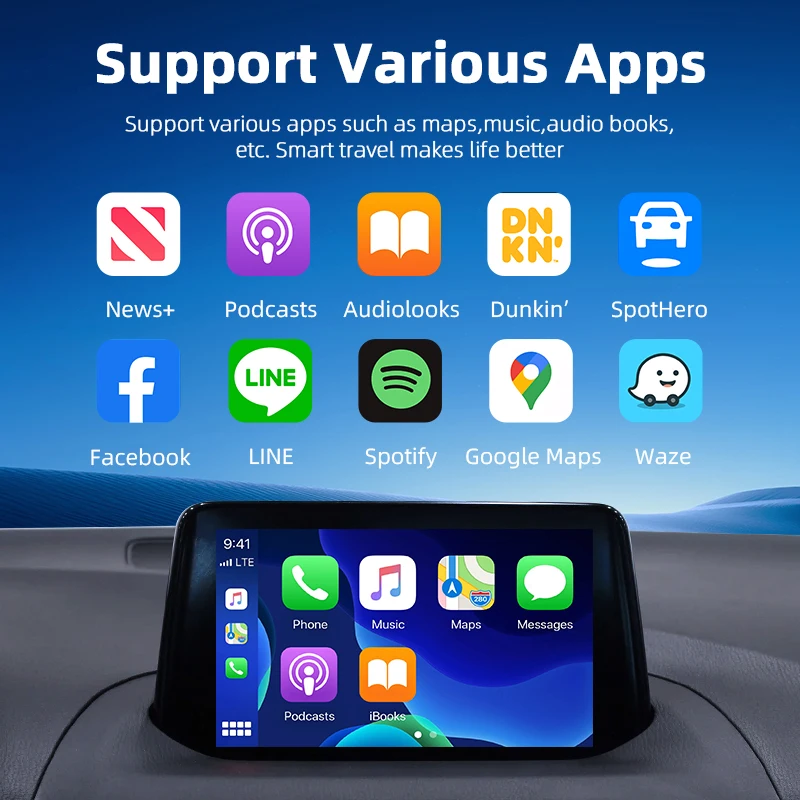
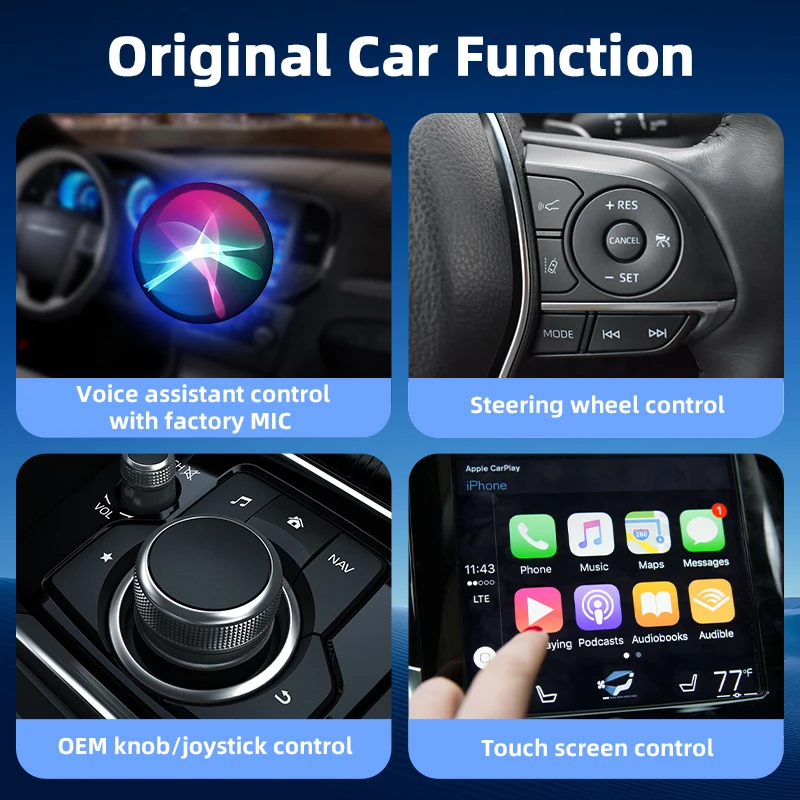
🚗【Retains original vehicle operating controls】This wireless carplay dongle allows you to enjoy the full CarPlay/Android Auto features including navigation, music, calls, messages, Siri and more without the need to connect your cell phone with a cable. Carplay wireless adapter retains the original screen touch, buttons, knobs, and voice controls to bring you a smarter driving experience.
🚗【Professional Customer Service】We are committed to providing quality products as well as superior customer service. Our wireless carplay adapter and android auto wireless adapter come with 12 months after-sales service and friendly customer support, please feel free to contact us if you have any questions about wireless android auto adapter!


Q & A
1.Q: The device does not connect to the phone’s Bluetooth (BT)?A: 1):Check Bluetooth is turned on on your phone. 2):Disconnect the device’s cable and reconnect. 3):Turn off Bluetooth and forget the device, then reconnect. If still unable to connect, delete the connection history on the vehicle screen, then search and and connect again.
2.Q: If my car already has wireless CarPlay, can I use this CarPlay adapter?
A: Please check if your car has a USB/Type-C port that supports wired CarPlay. If yes, you can use this adapter.
3.Q: What should I do if it buffers all the time when watching streamings?A: Usually the video buffering issue is related to the slow network, please have a check your mobile phone’s network settings, or connect to another fast network.
4. Q: What to do if the app doesn’t work and ask for a update, I can’t update it because it says it is not compatible with the device?
A: Please don’t rush to return, send us an message to get a new available file to update to work, we will reply timely!


